How to Make PDF417 Barcode – Barcode Scanner Guide
How to Make PDF417 Barcode | Scanner Guide – MHAIT

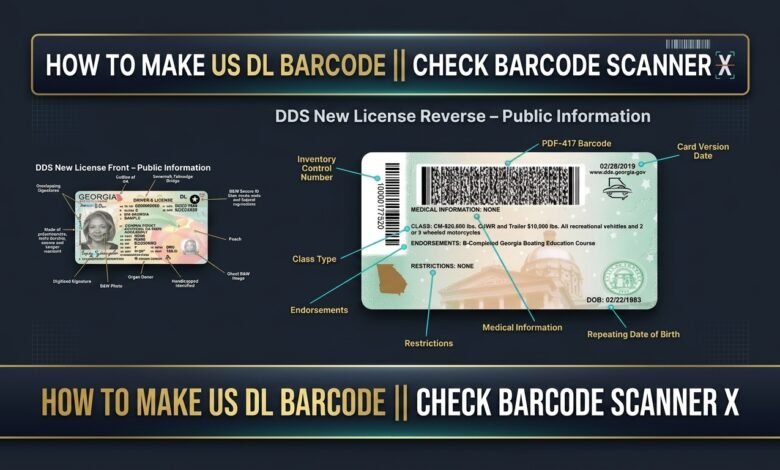
PDF417 is a widely used barcode technology designed to store structured information in a compact format. In this guide, you will learn about PDF417 barcodes, explore barcode generation tools, and discover how to scan and check barcode readability using Android and iPhone devices.
Whether you are interested in barcode technology, software development, or barcode scanning applications, this guide will help you understand the basics.
What Is a PDF417 Barcode?
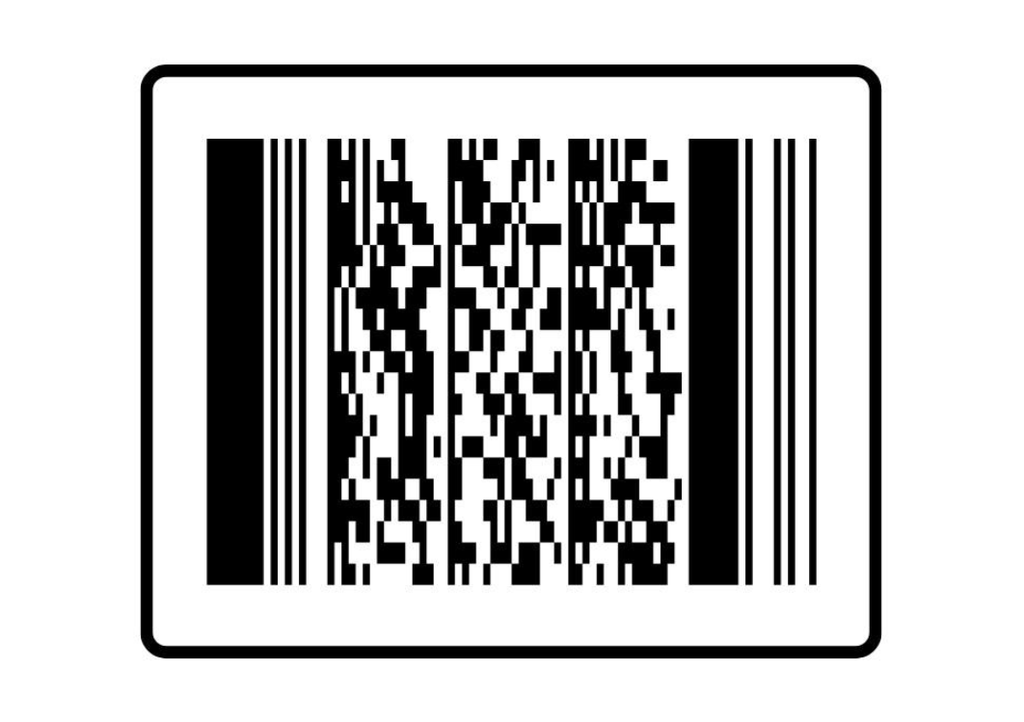
PDF417 is a two-dimensional (2D) stacked barcode format used in various industries, including transportation, identification systems, inventory management, and document processing.
The name PDF417 stands for Portable Data File 417. The number 417 refers to its barcode structure, where each codeword pattern contains four bars and spaces arranged within 17 modules.
Unlike traditional linear barcodes, PDF417 can store a relatively large amount of information in a compact space.
Common Uses of PDF417 Technology
PDF417 barcodes are commonly used in:
- Identification and information systems.
- Transportation and logistics.
- Inventory management.
- Document processing.
- Data storage and retrieval.
- Barcode-based applications.
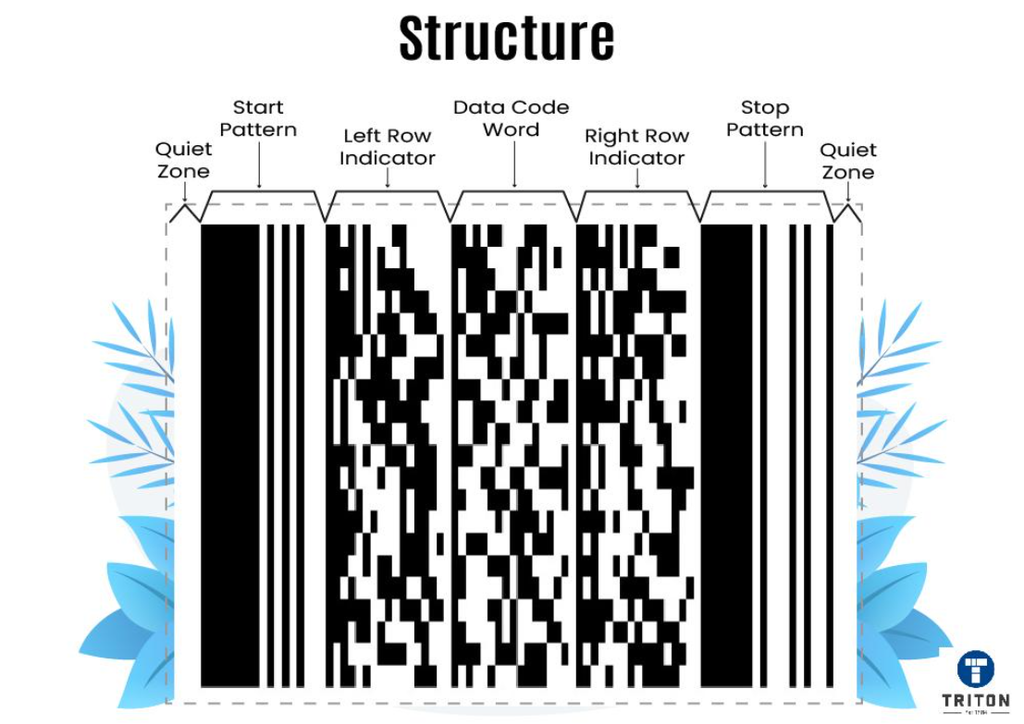
Caption: An example of PDF417 two-dimensional barcode technology.
How to Create a PDF417 Barcode
You can explore PDF417 barcode generation using compatible barcode creation software and online tools.
These tools can help you understand barcode formatting, work with authorized sample data, and generate barcodes for testing and educational purposes.
Important Things to Remember
Before using a barcode generation tool, consider the following points:
- Complete Required Fields: Follow the instructions and field descriptions provided by the tool.
- Check Data Formatting: Make sure the entered sample data follows the required format.
- Review Your Information: Check spelling, numbers, and other details before generating a barcode.
- Understand Field Requirements: Different barcode applications may support different data fields.
- Use Authorized Information: Only process data you own or have permission to use.
Create Your PDF417 Barcode
Ready to explore PDF417 barcode generation?
You can access the barcode generation tool using the link below.
Create Your Barcode
Use the button below to access the barcode generator.
Note: Use the generator only with authorized sample data and for legitimate testing or educational purposes.
How to Scan a PDF417 Barcode on Android
After generating a barcode using authorized sample data, you can use an Android barcode scanner application to check whether the barcode is readable.
Follow These Steps
- Open the Google Play Store.
- Search for a PDF417 barcode scanner application.
- Select a compatible application from a trusted developer.
- Install and open the application.
- Allow camera access if requested.
- Scan your PDF417 barcode.
- Check whether the application successfully detects the encoded information.
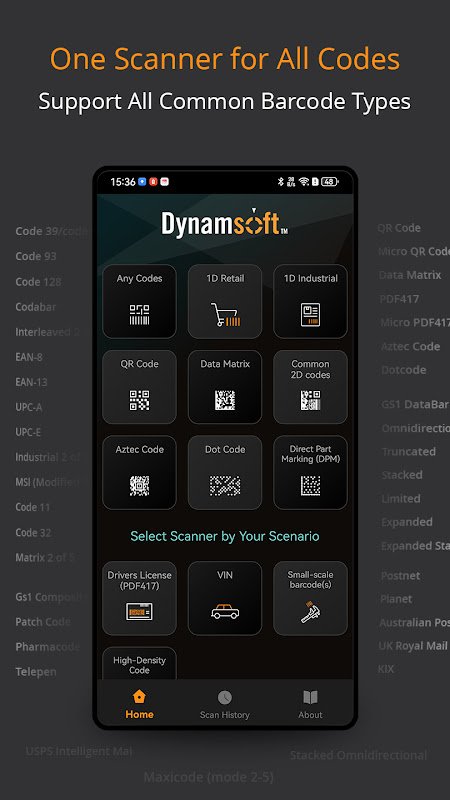
Caption: Example of a barcode scanning application on Android.
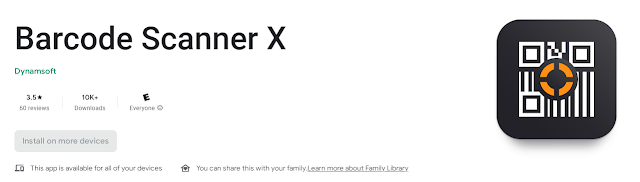
Caption: PDF417 barcode scanner application interface.
Download a Barcode Scanner for Android
Looking for a compatible barcode scanner?
DOWNLOAD FOR ANDROID – GOOGLE PLAY STORE
How to Scan a PDF417 Barcode on iPhone and iPad
Apple users can also explore compatible PDF417 barcode scanning applications through the Apple App Store.
Follow These Steps
- Open the Apple App Store.
- Search for a PDF417 barcode scanner.
- Choose an application compatible with your device.
- Install and launch the application.
- Allow camera access if necessary.
- Scan an authorized PDF417 barcode sample.
- Check whether the barcode information is successfully detected.

Caption: Barcode scanning application on an Apple device.
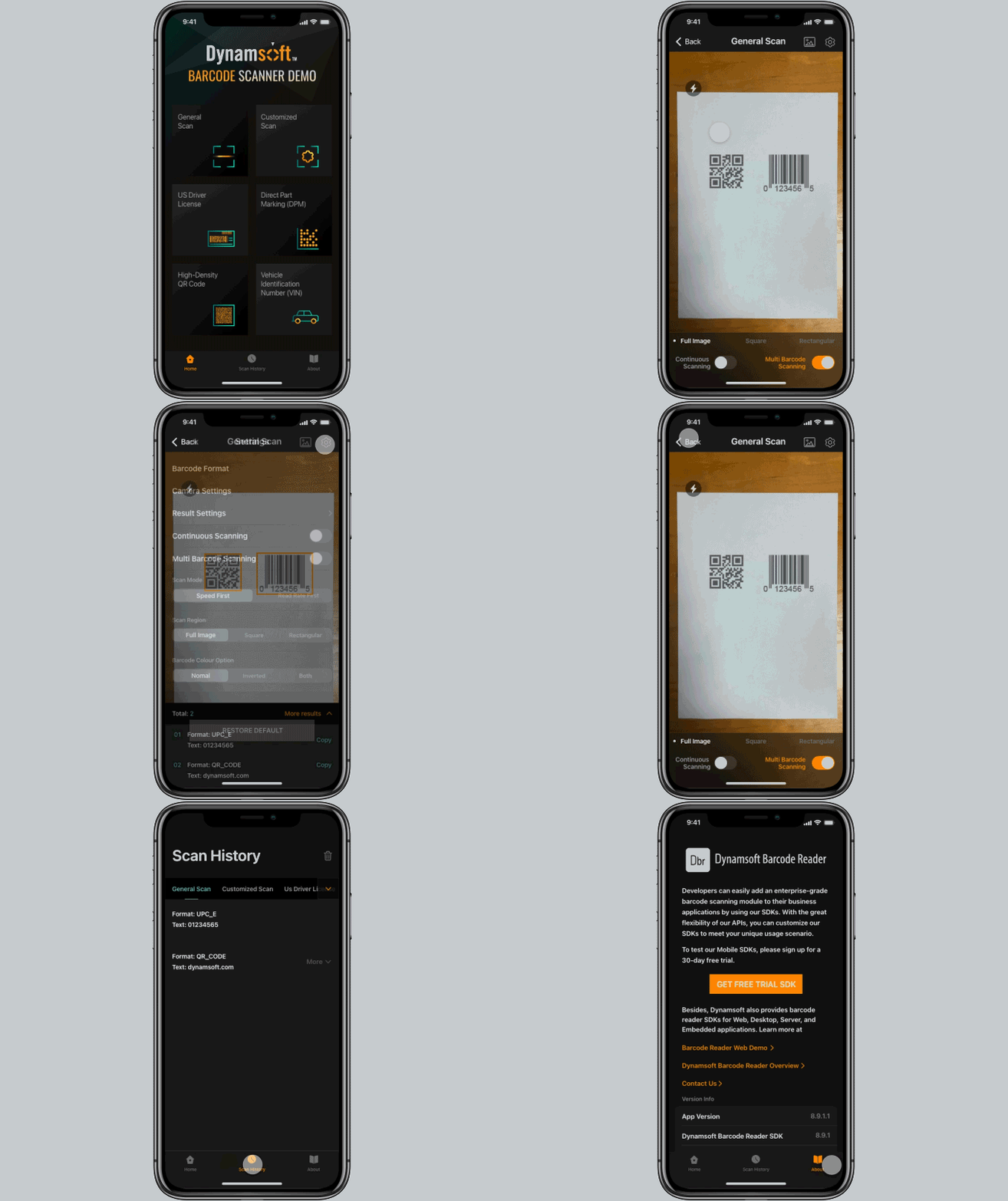
Caption: Example of a barcode scanner application interface for iOS.
Download a Barcode Scanner for iPhone
Find compatible PDF417 scanning applications from the Apple App Store.
DOWNLOAD FOR IPHONE – APP STORE
Final Thoughts
PDF417 is a versatile barcode technology that makes it possible to store and process structured information efficiently.
With compatible barcode generation tools and scanning applications, you can explore how PDF417 works and test barcode readability on different devices.
We hope this guide helps you understand PDF417 barcode technology and find suitable scanning applications for Android and iPhone.
If you find this guide helpful, feel free to share it with others interested in barcode technology.
Disclaimer
This article is provided for educational and informational purposes only. MHAIT is not affiliated with any government agency or official identification authority.
Always use authorized sample data and legitimate barcode applications. Generating or successfully scanning a barcode does not verify the authenticity or legal validity of any official document.
