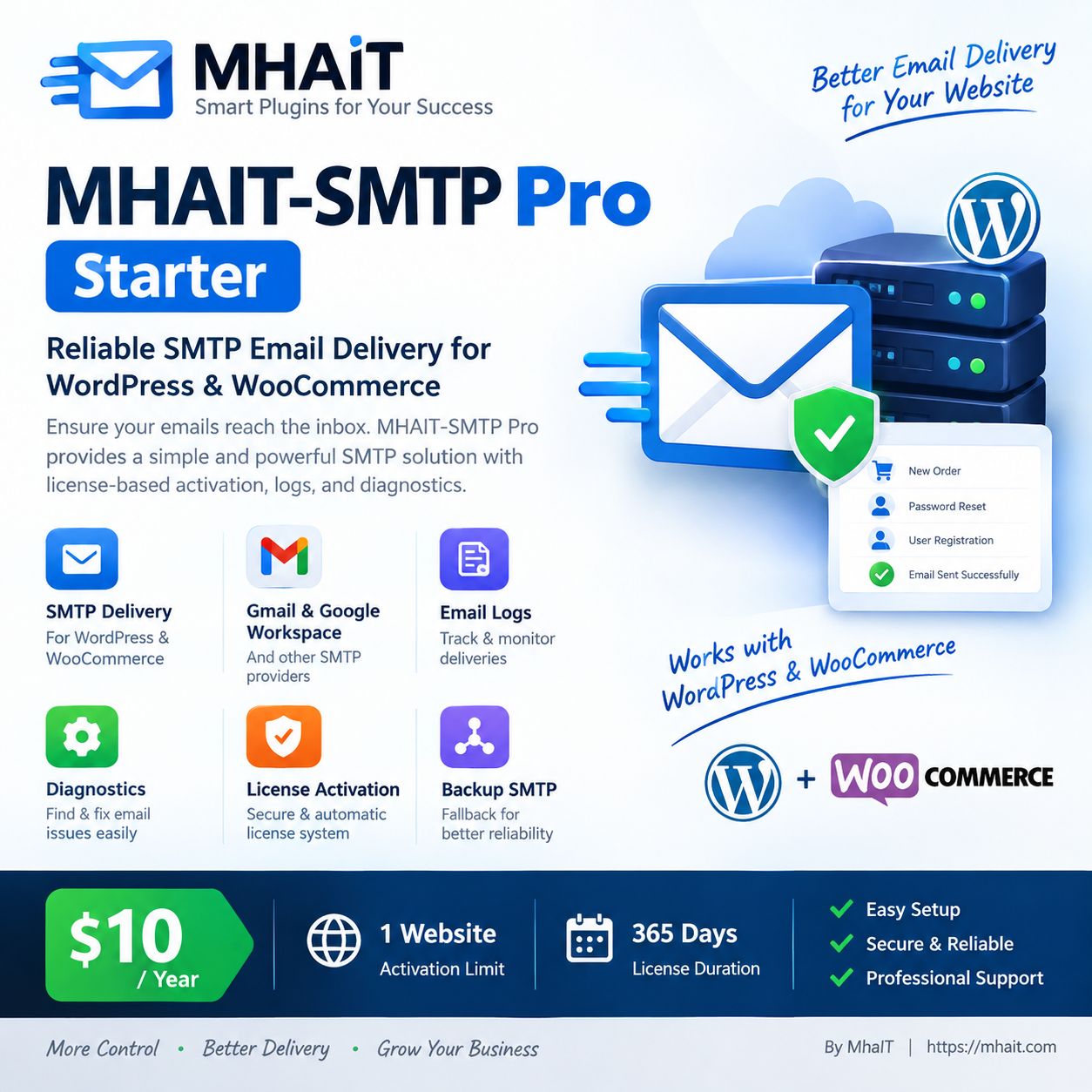
MHAIT-SMTP Pro – Starter
Reliable SMTP Email Delivery for WordPress & WooCommerce
MHAIT-SMTP Pro – Starter আপনার WordPress ও WooCommerce website-এর email delivery SMTP-এর মাধ্যমে পরিচালনা করতে সাহায্য করে।
যদি আপনার website থেকে Password Reset, New User Registration, WooCommerce Order, Payment Notification অথবা অন্যান্য WordPress email সঠিকভাবে পাঠানো না হয়, তাহলে MHAIT-SMTP-এর মাধ্যমে একটি SMTP server configure করে email delivery আরও নির্ভরযোগ্যভাবে পরিচালনা করতে পারবেন।
💳 Starter Plan
Price: $10
License Duration: 2 Months / 60 Days
Website Limit: 1 Website
এই Plan-এর একটি License শুধুমাত্র ১টি website-এ activate করা যাবে।
⭐ প্রধান সুবিধাসমূহ
- SMTP Email Delivery
- WordPress Email Support
- WooCommerce Email Support
- Gmail / Google Workspace SMTP
- অন্যান্য SMTP Provider ব্যবহার করার সুবিধা
- Primary SMTP Connection
- Backup / Fallback SMTP
- Email Delivery Logs
- SMTP Diagnostics
- Test Email
- License Activation
- Website Activation Limit
- Professional Admin Dashboard
📧 কোন কোন Email-এর জন্য ব্যবহার করা যাবে?
MHAIT-SMTP WordPress-এর email delivery system-এর সাথে কাজ করে।
উদাহরণ:
- New User Registration
- Password Reset
- Account Notification
- WooCommerce New Order
- Processing Order
- Completed Order
- Cancelled Order
- Failed Order
- Customer Invoice
- Payment-related Emails
- WordPress Notifications
- অন্যান্য
wp_mail() ভিত্তিক Email
Email সফলভাবে পৌঁছানোর জন্য SMTP configuration, SMTP provider এবং recipient mail server-এর সঠিক configuration প্রয়োজন।
🛒 কীভাবে কিনবেন?
1. Product কিনুন
MHAIT-SMTP Pro – Starter Cart-এ যোগ করুন।
তারপর Checkout সম্পন্ন করুন।
2. Payment সম্পন্ন করুন
Payment সফল হলে আপনার Order তৈরি হবে এবং License information আপনার order-এর সাথে যুক্ত হবে।
3. Plugin Download করুন
Order সম্পন্ন হওয়ার পর আপনার account/order area থেকে MHAIT-SMTP plugin download করুন।
4. Plugin Install করুন
WordPress Dashboard থেকে যান:
Plugins → Add New Plugin → Upload Plugin
তারপর MHAIT-SMTP ZIP file upload করুন।
Install Now → Activate
5. License Activate করুন
Plugin-এর License section-এ আপনার License Key প্রবেশ করান।
তারপর:
Activate License
button-এ click করুন।
License সফলভাবে activate হলে আপনার website license server-এর মাধ্যমে verify হবে।
🔐 License Information
এই Starter License-এ:
Duration: 60 Days
Website Limit: 1
অর্থাৎ একটি License সর্বোচ্চ একটি website-এ active থাকতে পারবে।
License-এর মেয়াদ শেষ হলে plugin-এর Pro features ব্যবহারের জন্য একটি নতুন License বা renewal প্রয়োজন হতে পারে।
⚙️ SMTP Setup Guide
License activate করার পর:
MHAIT-SMTP → Connections
এ যান।
তারপর Add Connection থেকে আপনার SMTP provider নির্বাচন/configure করুন।
Gmail-এর সাধারণ SMTP Configuration
SMTP Host: smtp.gmail.com
Port: 587
Encryption: TLS / STARTTLS
Authentication: Enabled
Username: আপনার Gmail Address
Password: আপনার Gmail App Password
From Email: আপনার Gmail Address
From Name: আপনার Website/Business Name
Gmail ব্যবহার করার সময় আপনার account-এর security configuration অনুযায়ী App Password প্রয়োজন হতে পারে। সাধারণ Gmail password এখানে ব্যবহার না করাই উচিত।
তারপর:
Save Connection
করুন।
🧪 Test Email পাঠান
SMTP configuration save করার পর Test Email ব্যবহার করে একটি test message পাঠান।
Test Email সফল হলে SMTP connection কাজ করছে কিনা নিশ্চিত হওয়া যাবে।
Test Email ব্যর্থ হলে:
MHAIT-SMTP → Diagnostics
এ যান এবং diagnostic result দেখুন।
🔍 Diagnostics ব্যবহার
Email না গেলে প্রথমে Diagnostics পরীক্ষা করুন।
Diagnostics সম্ভাব্য সমস্যার জায়গা শনাক্ত করতে সাহায্য করবে, যেমন:
- WordPress configuration
- PHP environment
- SMTP Host
- SMTP Port
- Encryption
- Authentication
- SMTP credentials
- Connection-related সমস্যা
- SMTP provider response
📊 Email Logs
MHAIT-SMTP-এর Email Logs থেকে email delivery activity দেখা যাবে।
এখানে delivery সম্পর্কে যেমন:
- Status
- Source
- Subject
- Recipient
- Transport
- Stage
- Reason
- Date
দেখা যেতে পারে।
এটি email delivery সমস্যা troubleshooting করার সময় সহায়ক।
🔄 Backup SMTP
আপনার প্রয়োজন হলে একটি Backup SMTP / Fallback Connection configure করতে পারবেন।
Primary SMTP connection দিয়ে delivery attempt ব্যর্থ হলে configured fallback connection ব্যবহার করার ব্যবস্থা করা যায়।
🔒 Security Guideline
আপনার License Key অন্য ব্যক্তির সঙ্গে share করবেন না।
SMTP Password বা Gmail App Password কাউকে প্রকাশ করবেন না।
বিশেষ করে:
- SMTP Password
- Gmail App Password
- License Key
public website, screenshot অথবা social media-তে প্রকাশ করবেন না।
⚠️ গুরুত্বপূর্ণ
1. একটি License = 1 Website
Starter License শুধুমাত্র একটি website-এর জন্য।
2. License Key Share করবেন না
License অন্য ব্যক্তিকে দিলে activation limit অতিক্রম হতে পারে।
3. SMTP Credentials সঠিক দিন
ভুল Host, Port, Username, Password অথবা Encryption ব্যবহার করলে email পাঠানো ব্যর্থ হতে পারে।
4. SMTP Provider-এর নিয়ম মেনে চলুন
প্রতিটি SMTP provider-এর sending limit, authentication এবং security policy আলাদা হতে পারে।
❓ Frequently Asked Questions
এই Plan-এর দাম কত?
$10
License কতদিন থাকবে?
2 Months / 60 Days
কয়টি website-এ ব্যবহার করা যাবে?
1 Website
Gmail ব্যবহার করা যাবে?
হ্যাঁ। Gmail/Google Workspace SMTP configuration ব্যবহার করা যাবে।
WooCommerce-এর email-এর জন্য কাজ করবে?
হ্যাঁ। WooCommerce-এর WordPress email delivery SMTP-এর মাধ্যমে পাঠাতে সাহায্য করবে।
Password Reset Email-এর জন্য ব্যবহার করা যাবে?
হ্যাঁ। WordPress password reset email SMTP delivery-এর মাধ্যমে পাঠানো যেতে পারে।
Email না গেলে কী করব?
প্রথমে:
Connections → SMTP Settings → Test Email → Diagnostics → Email Logs
চেক করুন।
🚀 দ্রুত Setup Checklist
কেনার পর এই ৬টি ধাপ অনুসরণ করুন:
① Plugin Install করুন
↓
② Plugin Activate করুন
↓
③ License Key Activate করুন
↓
④ SMTP Connection তৈরি করুন
↓
⑤ Test Email পাঠান
↓
⑥ Diagnostics ও Email Logs পরীক্ষা করুন
সবকিছু ঠিক থাকলে আপনার WordPress/WooCommerce website SMTP-এর মাধ্যমে email পাঠানোর জন্য প্রস্তুত।
📦 আপনার Starter Plan
MHAIT-SMTP Pro – Starter
$10 / 2 Months
1 Website License
60 Days License
WordPress + WooCommerce SMTP
Email Logs + Diagnostics + License Activation
সহজ Setup • Reliable Delivery • Professional Email Management
By MhaIT
Reviews
There are no reviews yet.